Using the ISWC2005 Semantic Bank
Browse the ISWC2005 Semantic Bank
Questions?
- Join our general mailing list and send us mail
- Or find us in IRC at
irc://irc.w3.org:6665/#simile - Or find us in person: David Karger, Eric Miller, David Huynh, Ryan Lee, Stefano Mazzocchi
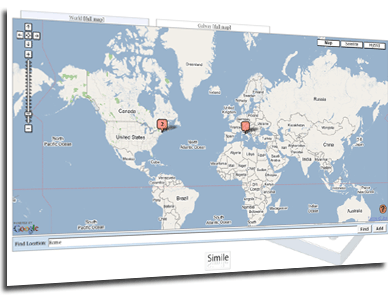
- World Attendee Map ~ View the global map of attendees, and help complete it by clicking to add your originating location to the map. Add yourself now...
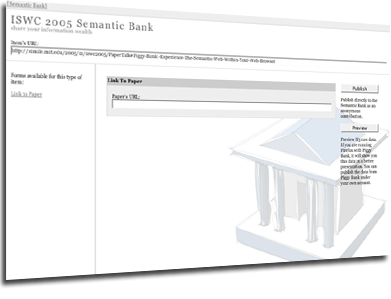
- Posters, Talks, and Papers ~ Add a hyperlink from your talk or poster to your paper. Locate your talk or poster and link to your paper now...
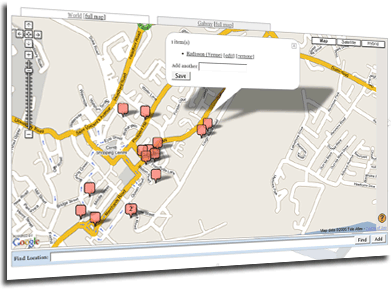
- Galway Map ~ Click the Galway link to view points of interest about the city, such as hotels and restaurants; click to add more interesting locations you've found. Navigate to Galway from the front page...
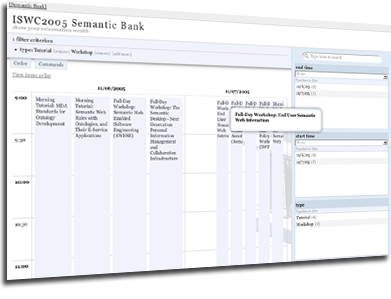
- Conference Calendars ~ Click any of the links under Calendars to browse events, talks, and other scheduled activities with a calendar interface. See the conference events calendar now...
-
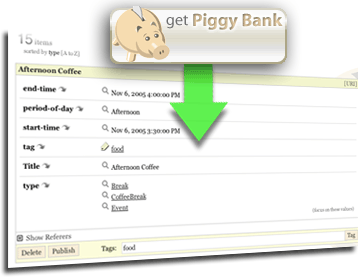
Contribute ~ Install Piggy Bank in your Firefox browser and, using this bank address:
create a semantic bank account. If you need more details, please read the five steps to winning an iPod Nano using Piggy Bank. Users with previous Piggy Bank installs will want to add a new bank account. Browse the bank to download information you want to keep, contribute data you want to share with everybody else, and, for bonus points, scrape data and share your scraper.http://simile.mit.edu/conference/iswc2005/ - You Decide ~ What else can you do with a web of semantic data surrounding a semantic web conference?


